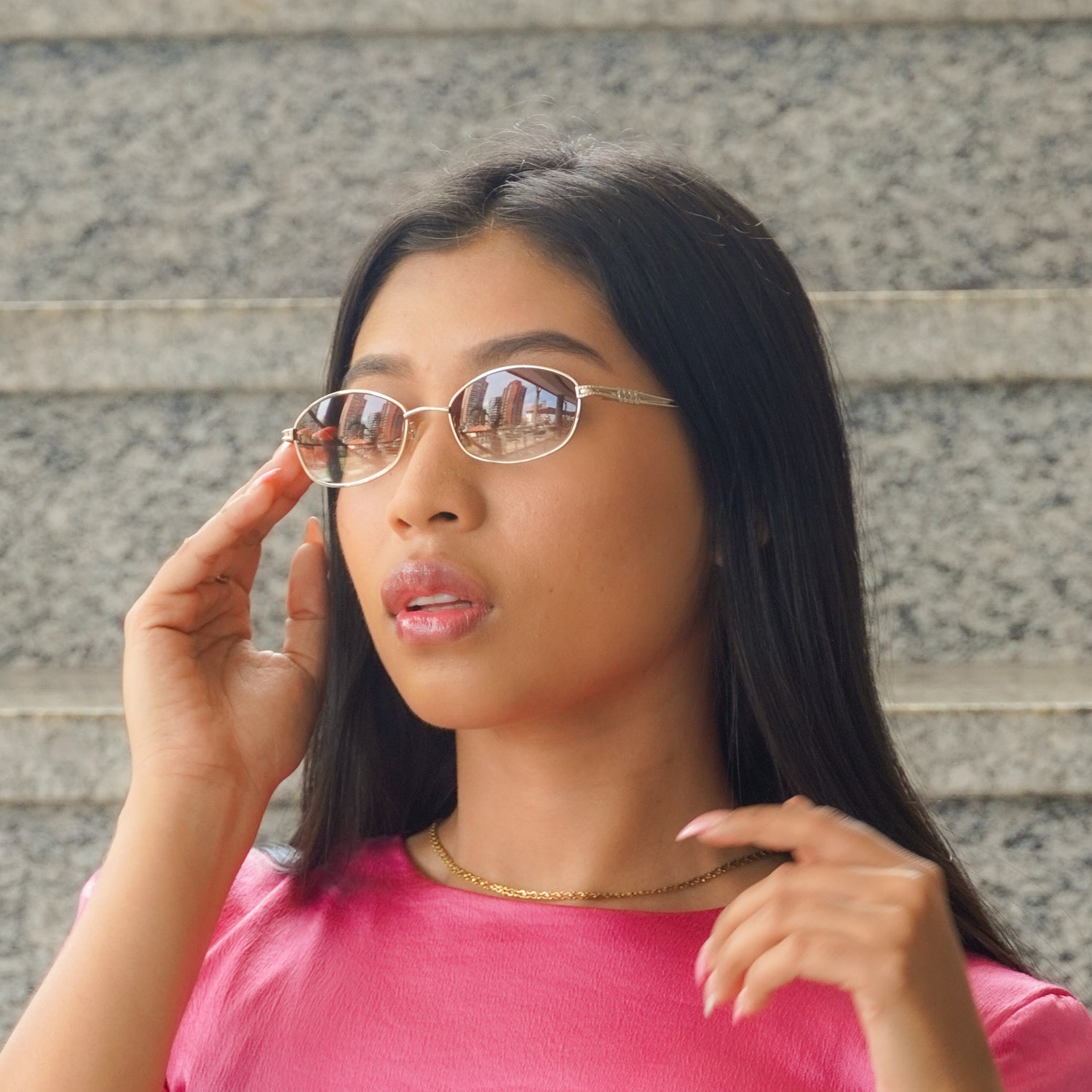

Getting the Perfect Fit: How to Measure Your PD at Home with EyeMeasure
Welcome back to the CityStyles313 blog! It has been a little while since our last update, but we are back with some essential tips to make sure your next eyewear purchase is absolutely flawless.
When you are investing in luxury, custom eyewear engineered right here in Detroit, precision is everything. Whether you are picking up a pair of our trademarked CityStyle Authentics or getting diamond-cut lenses for a classic frame, the fit needs to be perfect. That is where your Pupillary Distance (PD) comes in.
Why Your PD Matters
Your Pupillary Distance is simply the distance in millimeters between the centers of your pupils. This measurement is crucial because it tells our lab exactly where to center your prescription or custom lenses within the frames. If the PD is off, your vision can be blurry or strained, which is the last thing you want when wearing premium glasses.
In a previous post, we discussed the old-school methods of measuring your PD at home using a ruler and a mirror. While that method works in a pinch, technology has officially leveled up, and we want to share our new favorite tool with you.

Meet the EyeMeasure App
To ensure our clients get the most accurate measurements without having to step foot inside a clinic, CityStyles313 now highly recommends using the EyeMeasure app.
Developed by Bonlook Inc., this app is incredibly accurate and takes all the guesswork out of measuring your face for custom eyewear. The best part? It takes less than a minute to use.
Here is why we love it for our CityStyles313 family:
- Instant Accuracy: It uses your phone's advanced camera sensors to calculate your exact Pupillary Distance instantly.
- Seg Height Included: It also measures your Segment Height (Seg Height), which is essential if you wear progressive lenses or need specific lens detailing.
- Zero Equipment Needed: You do not need a ruler, a credit card, or a mirror. Just your smartphone.

How to Use EyeMeasure at Home
Getting your measurements for your next custom order is incredibly simple. Just follow these quick steps:
- Download the App: Head over to the App Store and download "EyeMeasure" (look for the light blue icon with glasses and a ruler, as seen in the photo above).
- Scan Your Face: Open the app and hold your phone at eye level in a well-lit room. Look straight into the camera as if you were taking a selfie.
- Hold Steady: The app will automatically detect your eyes and map your face.
- Record Your Numbers: Within seconds, the app will display your Far PD, Near PD, and Seg Height right on the screen.
Once you have those numbers, write them down or take a screenshot. You are now completely ready to order your next pair of customized, luxury frames from CityStyles313 with absolute confidence.

Ready to put those new measurements to use? Head over to our online boutique to explore our latest arrivals and experience the finest eyewear Detroit has to offer.
- CityStyles313 team